FREE SHIPPING FOR ALL ORDERS IN THAILAND
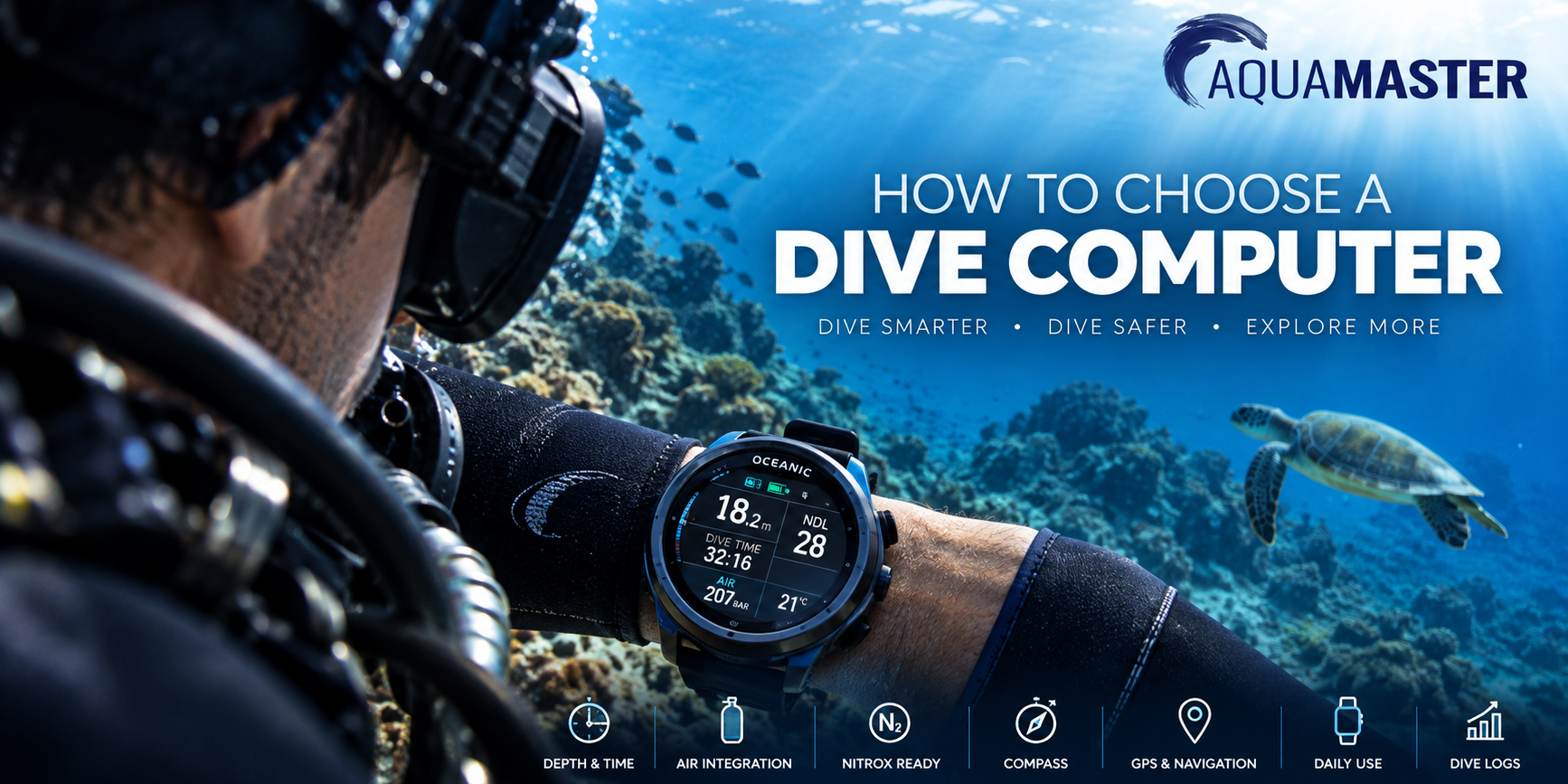
How to Choose a Dive Computer for Scuba Diving
A dive computer is one of the most important pieces of equipment a scuba diver can own. It continuously monitors your dive and provides essential information such as depth, dive time, no-decompression limits and ascent rate.
But with everything from simple entry-level computers to advanced colour-screen models with air integration, GPS, multiple gas support and smartwatch functions, choosing the right one isn’t always straightforward.
The best dive computer isn’t necessarily the model with the most features. It is the one that provides the information and functions you actually need for the type of diving you do.
In this guide, we’ll explain the main features to consider when choosing a dive computer and help you understand which ones are worth paying for.
→ Shop Dive Computers
What Does a Dive Computer Do?
A scuba diving computer uses information about your depth and time underwater to continuously calculate your dive profile.
During a dive, it can display information including:
- Current depth
- Maximum depth
- Dive time
- No-decompression limit
- Ascent rate
- Safety-stop information
- Water temperature
Depending on the model, a dive computer may also provide Nitrox settings, decompression information, compass navigation, wireless tank-pressure monitoring and multiple gas modes.
After the dive, your computer stores the dive profile in its logbook. Many modern computers can also transfer this information to a smartphone app using Bluetooth.
Because every diver’s actual profile can be different, having your own computer allows it to track your individual diving throughout the day, including repetitive dives and surface intervals.
What to Look for When Choosing a Dive Computer
1. Display Readability
A dive computer needs to be easy to read underwater.
This sounds obvious, but it is one of the most important differences between models.
Consider the size of the display, contrast, backlighting, font size and the way information is organised.
Large-screen computers can provide excellent readability and display more information simultaneously. Watch-style computers are smaller and convenient enough to wear every day, but naturally have less screen area.
Modern colour displays can also use different colours to distinguish important information and warnings.
The best choice depends partly on your eyesight and personal preference, so whenever possible, look at the computer’s actual display rather than choosing purely from specifications.
2. Easy-to-Use Controls
You don’t want to struggle through complicated menus while preparing for a dive.
Some computers use two or three buttons, while others use four or more. The important question isn’t the number of buttons but whether the interface is intuitive.
Consider how easily you can:
- Change Nitrox settings
- Access your logbook
- Set alarms
- Use the compass
- Change gases
- View dive information
This becomes especially important if you travel and don’t use your dive computer for several months between trips.
A good interface should be relatively easy to understand again without having to relearn the entire operating system before every dive holiday.
3. Nitrox Compatibility
For most divers today, Nitrox capability should be considered essential.
Enriched Air Nitrox contains a higher percentage of oxygen than normal air and is commonly available at dive centers around the world.
Even if you aren’t Nitrox certified yet, choosing a Nitrox-compatible computer means you won’t need to replace it when you complete your certification.
Most modern dive computers support Nitrox, but the maximum oxygen percentage and available gas settings vary between models.
4. What Is Air Integration?
Air integration allows your dive computer to display information about the gas remaining in your scuba cylinder.
With wireless systems, a transmitter is attached to the regulator’s first-stage high-pressure port and communicates tank-pressure information to the dive computer.
Instead of checking a separate pressure gauge, you can see information such as:
Tank pressure
Remaining gas
Estimated remaining air time
Gas consumption information
depending on the computer.
Some computers can connect to multiple transmitters, which can be useful for more advanced diving configurations.
Do You Need Air Integration?
No. You can safely dive with a non-air-integrated computer and a conventional submersible pressure gauge.
However, air integration provides additional information conveniently on your wrist and can give you a more complete picture of your dive.
For divers purchasing a higher-end computer, I would at least consider choosing a model that supports air integration, even if you decide to add the transmitter later.
5. Wrist Computer or Watch-Style Dive Computer?
There are broadly two approaches.
Traditional Wrist Dive Computer
These usually have a larger display and are designed primarily for diving.
Their advantages can include:
- Larger screen
- Excellent underwater readability
- Straightforward operation
- Longer battery life on some models
- Often lower cost
For divers who primarily want a computer for scuba diving, this remains an excellent solution.
Watch-Style Dive Computer
Watch-style computers are compact enough to wear every day.
Advanced models can combine scuba functions with:
- GPS
- Heart-rate monitoring
- Fitness tracking
- Running and cycling modes
- Notifications
- Navigation
- Smartwatch functionality
This makes them particularly attractive to divers who want one device for diving, sport and everyday life.
The trade-off is usually price and a smaller display compared with a large dedicated dive computer.
6. GPS – Do You Need It?
GPS can be useful, but there is an important distinction to understand:
GPS does not normally work underwater.
Satellite signals cannot penetrate seawater effectively.
Instead, GPS-equipped dive computers can record locations at the surface.
This can be useful for marking dive entry and exit points, navigating on the surface or recording the geographical location of dives.
For travelling divers, instructors, boat divers and people who participate in other outdoor sports, GPS can be a useful feature.
For someone who simply wants a reliable recreational dive computer, it isn’t essential.
7. Digital Compass
A built-in digital compass can be considerably more useful underwater than GPS.
Instead of carrying a separate compass, you can access heading information directly from your dive computer.
More advanced computers may allow you to set headings or reference directions.
A compass isn’t essential for every diver, but it is particularly useful for divers who navigate independently rather than always following a divemaster.
8. Rechargeable or Replaceable Battery?
Dive computers generally use either a rechargeable battery or a user-replaceable battery.
Rechargeable
Advantages include:
- No regular battery purchases
- Convenient charging
- Suitable for bright colour displays
- No need to open the computer for routine battery changes
The disadvantage is that you need to remember to charge it.
Replaceable Battery
Advantages can include:
- Very long operating life
- Easy to carry a spare battery
- No charger required
- Useful for remote diving trips
Some computers allow the diver to change the battery, while others require servicing.
Neither system is inherently better. Think about how and where you normally dive.
9. Dive Modes
Entry-level dive computers generally provide everything required for recreational scuba diving.
More advanced computers may include modes for:
- Air
- Nitrox
- Gauge
- Freediving
- Multiple gas mixtures
- Trimix
- CCR / rebreather diving
Don’t pay for technical diving functionality simply because it sounds impressive if you are unlikely to use it.
On the other hand, if you expect your diving to progress toward technical diving, decompression diving or multiple gas mixtures, buying a more capable computer initially can prevent the need to upgrade later.
Entry-Level vs Advanced Dive Computers
An entry-level dive computer isn’t necessarily an inferior dive computer.
For many recreational divers, simplicity is an advantage.
A good recreational computer should provide clear information about depth, time, no-decompression limits, ascent rates and safety stops without unnecessarily complicated menus.
An advanced computer becomes worthwhile when you want features such as:
- Air integration
- Colour display
- Digital compass
- GPS
- Multiple gas support
- Technical diving modes
- Advanced connectivity
- Smartwatch and fitness functions
The question should therefore be:
“Which features will improve my diving?”
rather than:
“Which computer has the longest feature list?”
Dive Computers for Recreational Divers
For a recreational diver, I would prioritise:
Readability → ease of use → Nitrox → reliability → battery life
A simple computer that clearly communicates essential dive information is often preferable to a highly sophisticated model that the diver doesn’t fully understand.
Models such as the CREST CR series provide accessible options for recreational divers looking for straightforward dive-computer functionality.
→ Explore CREST Dive Computers
Oceanic Dive Computers
Oceanic has a long history of developing dive instrumentation and computers for recreational and advanced divers.
One particularly important aspect of Oceanic computers is the company’s approach to decompression algorithms.
Selected Oceanic computers allow divers to choose between different algorithm settings, providing flexibility according to diving preference and compatibility with other divers’ computers.
The latest generation also introduces modern displays, connectivity and advanced functionality while maintaining a strong focus on diving.
→ Explore Oceanic Dive Computers
Garmin Dive Computers
The Garmin Descent range takes a different approach by combining advanced dive-computer functionality with Garmin’s broader GPS, fitness and smartwatch ecosystem.
Depending on the model, features can include:
- Multiple dive modes
- Air integration
- GPS
- Digital compass
- Dive logging
- Heart-rate monitoring
- Fitness and sports tracking
- Navigation
- Smartwatch functions
A Garmin Descent can therefore be particularly attractive to divers who also run, cycle, hike, train or participate in other sports and want one premium device for both diving and everyday use.
→ Explore Garmin Dive Computers
Do You Need Your Own Dive Computer?
If you dive regularly, owning your own dive computer has several advantages.
You become familiar with the display, menus, alarms and information instead of learning a different rental computer on each trip.
More importantly, your computer follows your individual dive history across repetitive dives and surface intervals.
It’s also one of the easiest pieces of scuba equipment to travel with. A dive computer takes up very little luggage space compared with a BCD, regulator or fins.
For these reasons, a dive computer is often one of the first major pieces of equipment recreational divers choose to own.
Can Two Divers Share One Dive Computer?
No.
Each diver should use their own dive computer.
Even when two people enter and exit the water together, their exact depths and profiles can differ throughout the dive.
A dive computer calculates information based on the profile of the diver wearing it. Sharing one computer therefore doesn’t provide individual dive-profile tracking for both divers.
Does a Dive Computer Replace Dive Planning?
No.
A dive computer is a powerful tool for monitoring your dive, but it doesn’t replace proper training, dive planning, gas management or good diving practices.
Divers should understand the information their computer displays, know how to respond to warnings and alarms, and follow the manufacturer’s instructions.
Never rely on a feature you don’t understand simply because the computer provides it.
How Much Should You Spend on a Dive Computer?
There isn’t one correct amount.
Instead, think about how your diving is likely to develop.
Occasional Recreational Diver
Prioritise a clear display, simple controls, Nitrox capability and good battery life.
You probably don’t need advanced technical modes or extensive smartwatch functionality.
Regular or Advanced Recreational Diver
Consider adding:
Digital compass
Air integration
Colour display
Bluetooth connectivity
These features can improve convenience and provide more information during and after your dives.
Technical Diver
Look for computers designed specifically to support the gases, algorithms, decompression settings and configurations required for your type of technical diving.
Diver + Athlete / Outdoor User
A premium watch-style computer such as a Garmin Descent can make more sense because its value extends beyond scuba diving.
Frequently Asked Questions About Dive Computers
What is the best dive computer for a beginner?
For a beginner, prioritise a clear display, intuitive controls, Nitrox capability and straightforward dive information. You don’t necessarily need an expensive computer with technical diving or smartwatch features.
Do I need a dive computer for scuba diving?
Dive computers are standard equipment in modern recreational diving and provide continuous information about your individual dive profile. Training agencies and dive operators may have their own equipment requirements, so divers should follow their training and local operating procedures.
Should I buy an air-integrated dive computer?
Air integration isn’t essential, but it allows compatible computers to display cylinder-pressure information directly. It can be a worthwhile feature for regular divers and is something to consider when purchasing a higher-end computer.
Does a dive computer work with Nitrox?
Most modern dive computers support Nitrox, but specifications vary. Always check the supported oxygen range and learn how to correctly set the gas mixture before diving.
Does GPS work underwater?
No. GPS satellite signals do not effectively penetrate seawater. Dive computers with GPS generally use it at the surface for location recording and navigation.
Can I use a smartwatch as a dive computer?
Only if the specific device is designed, tested and rated to function as a dive computer. Ordinary waterproof smartwatches should not be treated as scuba diving computers simply because they can withstand water.
How long does a dive computer last?
A quality dive computer can remain useful for many years when properly maintained. Battery condition, sealing, servicing requirements and manufacturer support should all be considered.
Should I buy my own dive computer or rent one?
Regular divers often benefit from owning a computer because they become familiar with its operation and it tracks their individual repetitive dive profiles. It’s also compact and easy to travel with.
Find the Right Dive Computer
There is no single dive computer that is right for every diver.
A new recreational diver may be best served by a simple, reliable and easy-to-read computer, while an experienced diver may value air integration, a compass, multiple gas support or a larger colour display.
Divers who want their computer to work beyond scuba diving may prefer an advanced watch-style model with GPS, fitness and smartwatch functionality.
Start by identifying the features you will genuinely use, consider how your diving may develop over the next few years, and then compare computers that meet those requirements.
Aquamaster offers dive computers in Thailand from Garmin, Oceanic and CREST, covering recreational through advanced diving requirements.
Not sure which model is right for you? Contact the Aquamaster team and we’ll help you compare the options for your diving.